How to Give Sound Effects a Quick Boost in Middleware | SoundBot × Wwise Editing Demo
Hey, I’m Huckrick. I’ve been working on SoundBot, a free, open-source sound library manager with a small editing workspace for game audio.
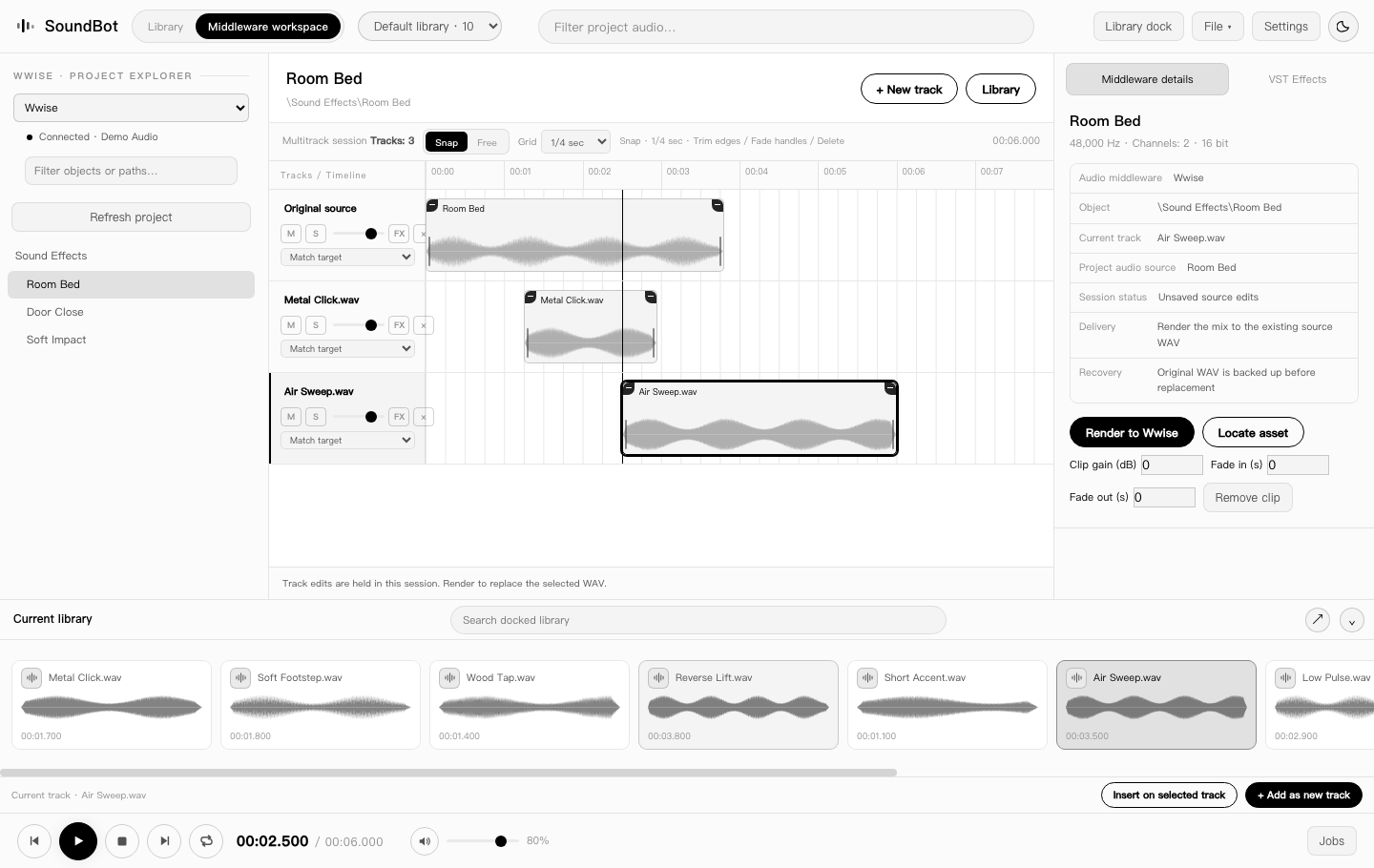
The job I had in mind was pretty mundane. Say a metal hit is already in Wwise. The timing works, but the hit sounds a little thin in context. I want to find one low layer, try it against the original, and get back to the project without turning that tweak into a separate editing session.
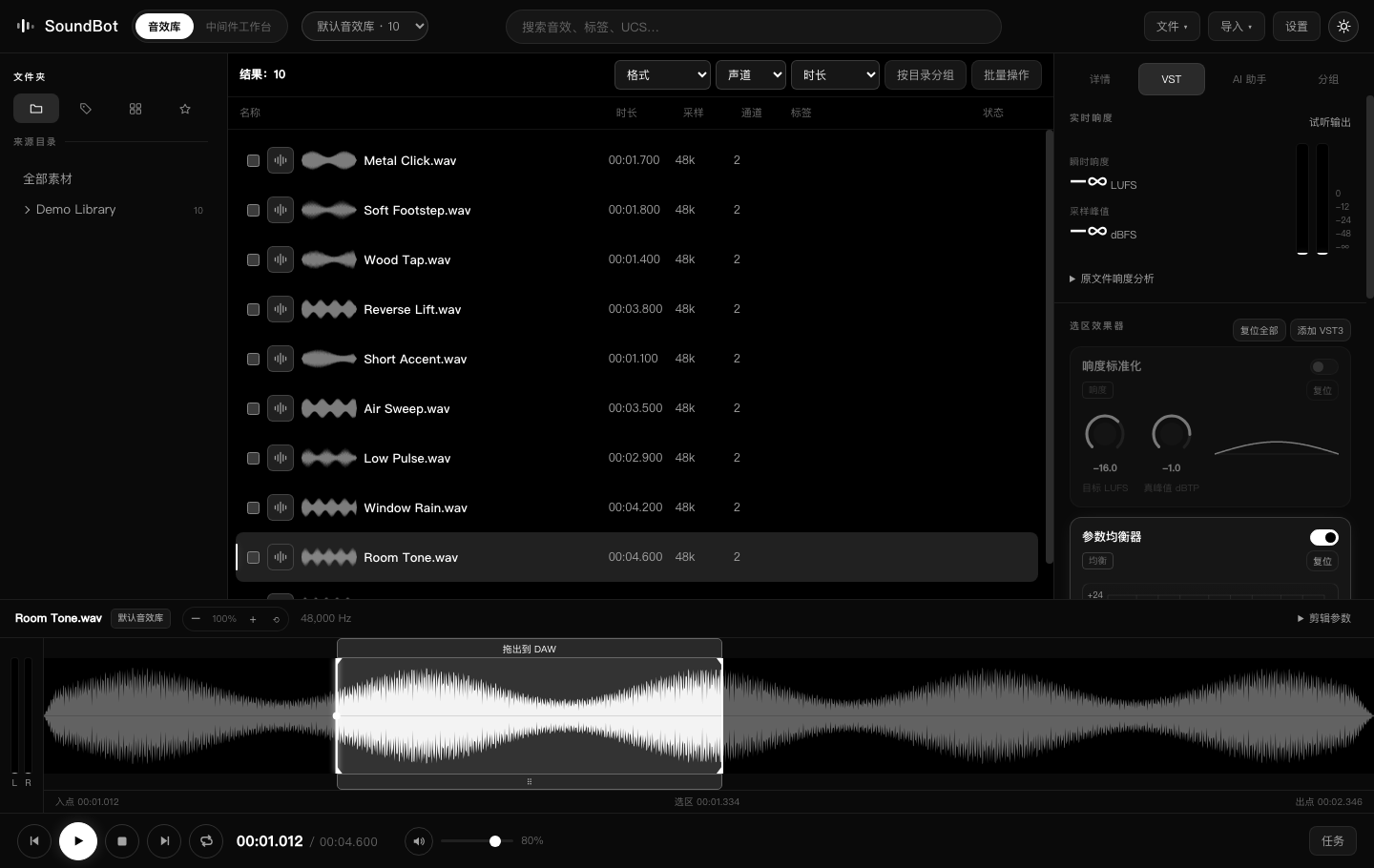
SoundBot indexes the folders you point it at, so you can search and audition local sounds, mark a range on the waveform, and drag that selection into a DAW or into SoundBot’s middleware workspace. In the workspace, you can line up layers, adjust gain, and use EQ before auditioning the blend. For supported WAV sources in Wwise, SoundBot can write the edit back to the same file and keep a backup of the original.
I put together a short Wwise demo so you can hear the original and the layered hit back to back. If you’d like to try it, the downloads are on GitHub, and the repo is open to fork.
I’d love to hear how you handle these small revisions. What’s the step you’d most like to skip when you’re tweaking a sound that’s already in a project?
Two views from the current build: the sound library and the Wwise workspace.